 Film to Photo
Capture or import
Photograph a negative against a light source, or choose one already on your phone. Old positive prints can go straight to AI Restoration.
THE PHOTOS YOU THOUGHT YOU'D LOST
Turn a film negative into a photo you can keep. Rescue a faded print when you choose to. Film to Photo gives old images a place in the present while keeping the original intact.
For iPhone and Android · Currently in private beta
A simpler way back
Use a photo of your negative or import an old image. Choose the result you want; the original stays with you.
Photograph a negative against a light source, or choose one already on your phone. Old positive prints can go straight to AI Restoration.
Crop, convert C-41 or black-and-white negatives, and adjust exposure and colour. Negative conversion runs on your device.
Compare the result with the source, then save at full resolution. Your original remains available for another edit.
The difference is in the details
Actual source images and example results, shown side by side. Results depend on the condition and quality of your photo.
Bring a colour negative into view, then adjust the result on your phone.
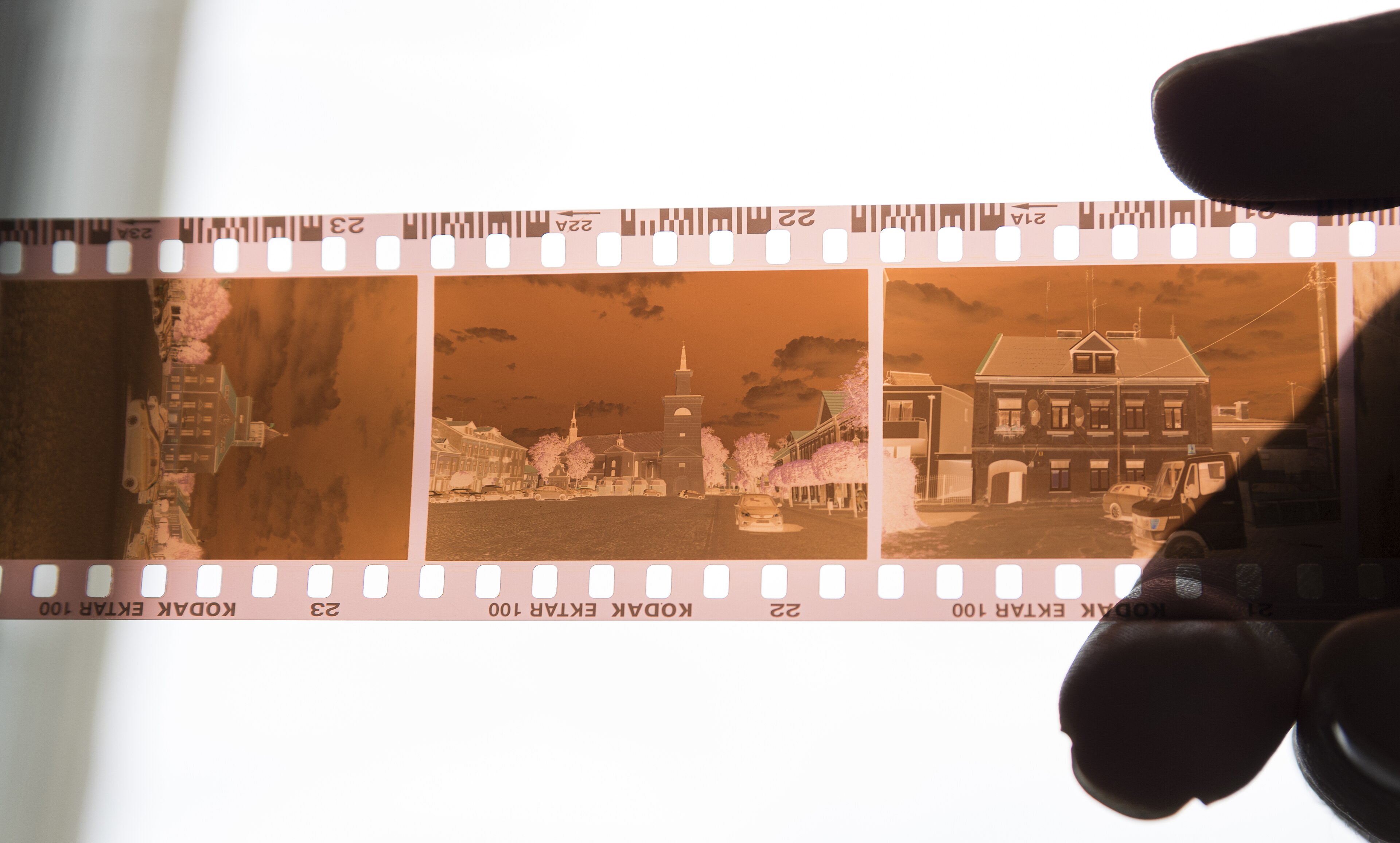
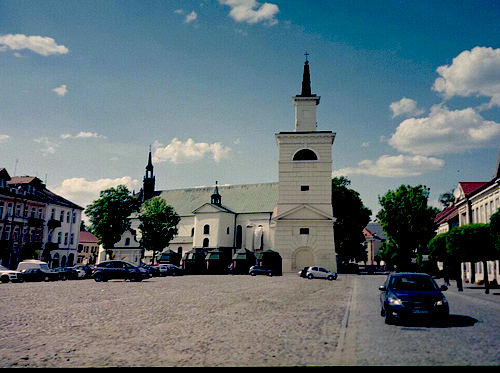
Give an old print or converted negative optional help with clarity and colour. Drag to compare one real example.
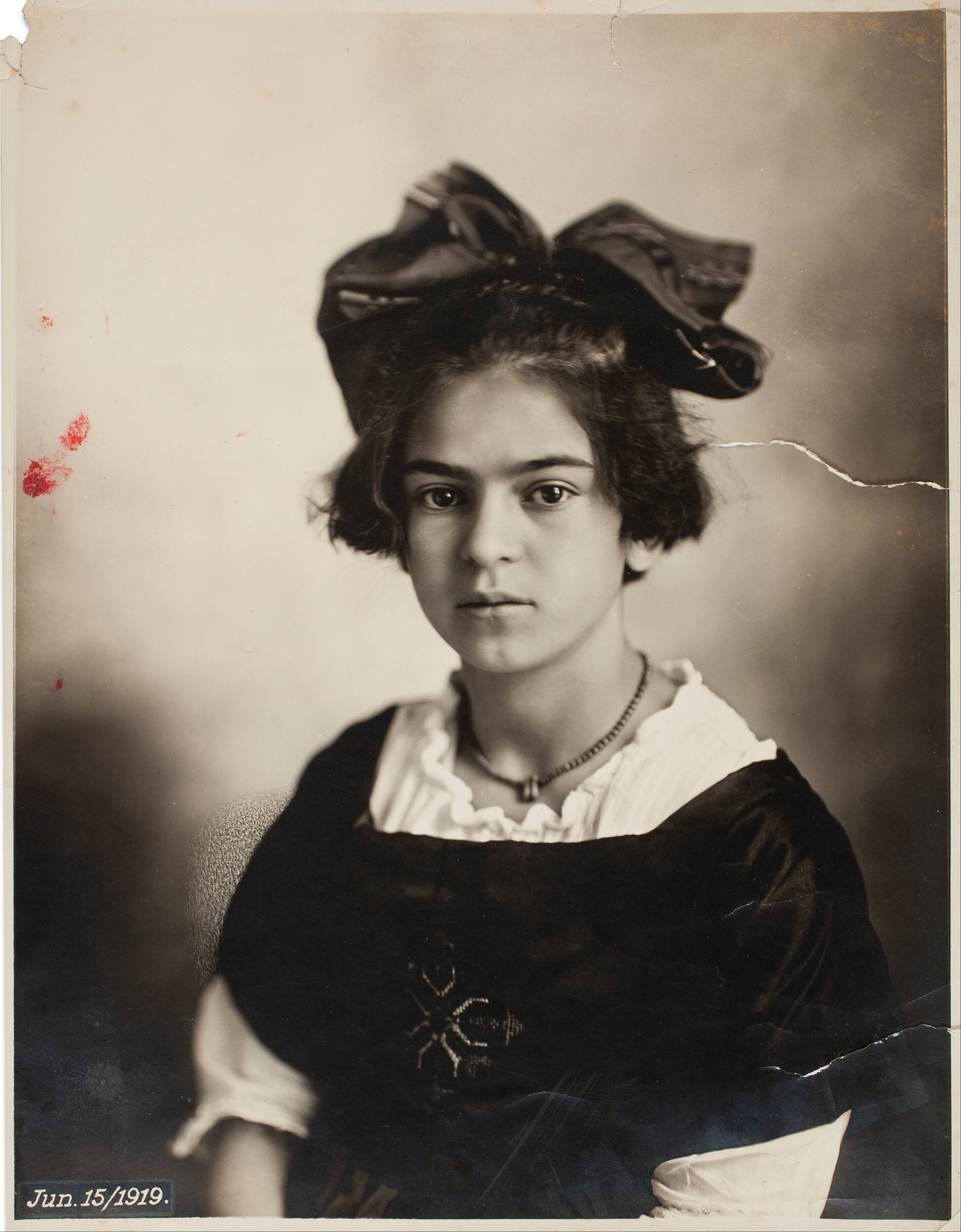
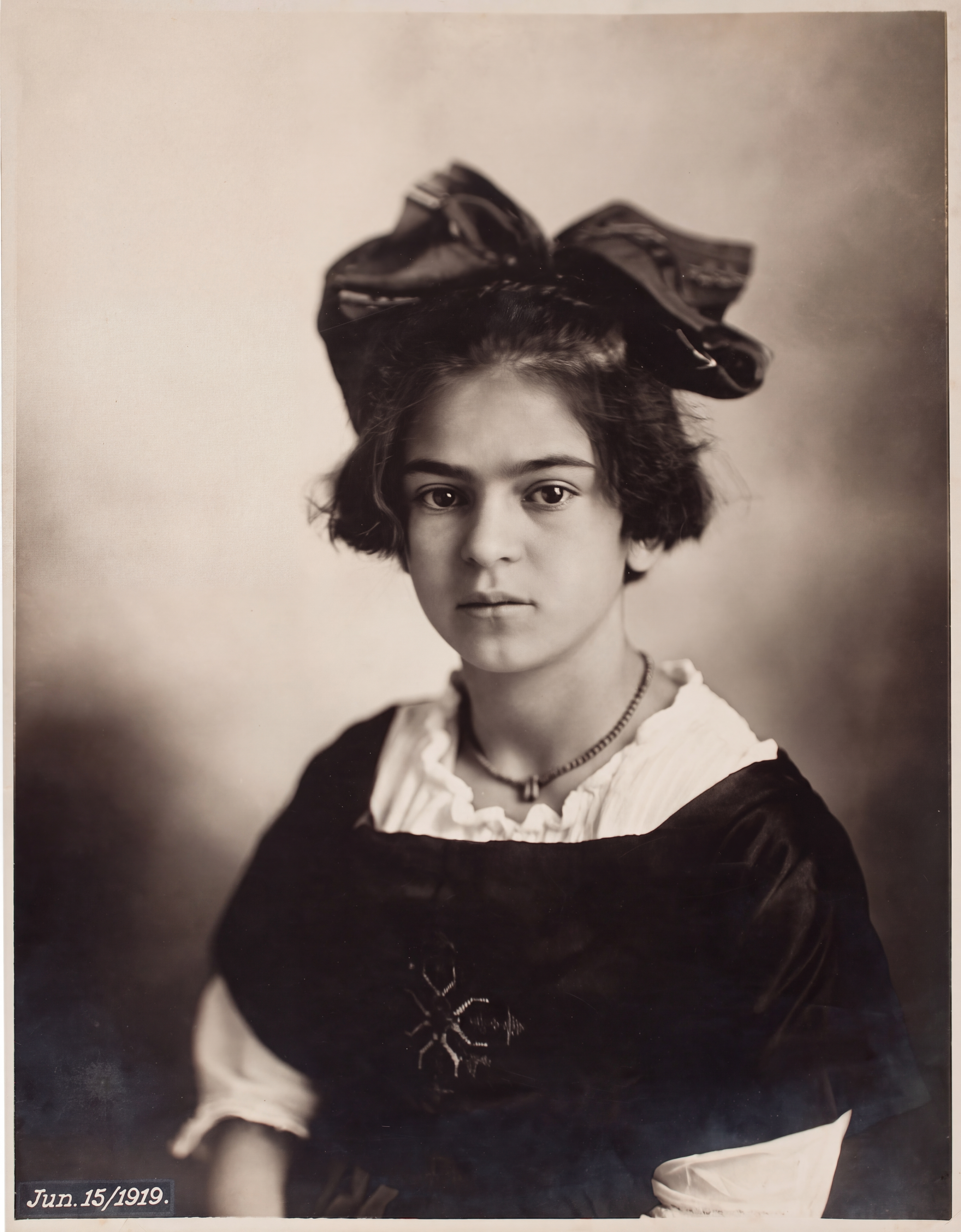
Film sample © LoMit, CC BY 4.0. Portrait: Guillermo Kahlo / Museo Frida Kahlo, public domain status as described in image credits.
Keep what matters
Local conversion and AI tools have separate paths. There is no subscription.
START HERE
Try the whole local workflow.
3 full-resolution photosFOR YOUR WHOLE ARCHIVE
One purchase. Save your whole archive.
$19.99 once · USDFOR EXTRA CARE
Restore old photos or upscale small images.
5 / 20 credits$4.99 / $14.99 · USD
US dollar reference prices; your store shows the final local price before purchase. Previewing and local processing do not use AI credits. AI requires an account and consent, and can change details.
No. Capture, import, convert, preview and save locally without signing in. An account is needed for AI tools and AI credits.
Local negative conversion happens on your device. A selected image is uploaded only if you choose an AI tool and consent to the upload.
Yes. Both restoration and AI upscale can change faces, text or other details. Keep the original and review the result before saving or sharing it.
No. Local Pro is a one-time purchase. AI credits come in separate packs of 5 or 20.
Film to Photo is in private beta on iPhone and Android. Public store download links will appear here when the app is released.
Every frame has a story
Start with one negative, one print, one moment worth keeping.
Explore the examplesPrivate beta now · Public release planned